Smart locks offer unparalleled convenience, allowing you to control access to your home with a tap on your phone, a fingerprint scan, or a simple code. They’ve transformed how we interact with our homes, bringing a new level of ease and connectivity. However, amidst this technological leap, a critical vulnerability often goes overlooked: the risks associated with using default codes. This seemingly minor oversight can leave your home surprisingly exposed, turning a supposed security upgrade into a significant liability. Ignoring this fundamental security step could be the weakest link in your smart home defense.
What Are Smart Locks?
Smart locks are innovative electromechanical devices that allow for keyless entry and enhanced access control to your property. Unlike traditional locks, they integrate with your home network and can be operated remotely via smartphone apps, voice assistants, or dedicated keypads. Common types include those that use Bluetooth, Wi-Fi, fingerprint scanners, RFID cards, or numeric passcodes. For many users, the primary appeal lies in the ability to manage access without physical keys, setting temporary codes for guests, or monitoring entry logs from anywhere. While they offer a wide array of features, those relying on keypad entry systems, which utilize PIN codes, are particularly susceptible to risks if their default settings are not updated.
The Grave Risks of Using Default Codes on Smart Locks
Many smart locks are installed with factory default passwords, which are often rudimentary and widely known. These codes, like “1234,” “0000,” or “123456,” are designed for initial setup convenience, not long-term security. Failing to change them immediately after installation creates a gaping hole in your home’s defenses.
One of the most direct threats is easy guessability. Since many manufacturers use identical default codes across their product lines, an attacker with basic knowledge of common default codes can quickly gain unauthorized entry. This risk is amplified by the fact that these codes are often published in user manuals or online, making them discoverable to anyone with malicious intent.
Furthermore, locks without robust security features are vulnerable to brute-force attacks. In such an attack, an intruder systematically tries common or easily predictable numerical combinations until the correct one is found. If your smart lock lacks lockout timers after multiple failed attempts, a hacker could spend unlimited time guessing codes, eventually unlocking your door. Even locks with such protections can be compromised if the default code itself is one of the initial, common guesses.
The danger extends to remote hacking vulnerabilities. Many smart locks connect to your home’s Wi-Fi or Bluetooth network, enabling remote control. If a weak or default password is still in use, this wireless communication can be intercepted, or the lock itself can be targeted by attackers using brute force or credential stuffing techniques to guess your access password. A default code acts as an open invitation, making these remote exploits far easier to execute.
How Default Codes Compromise Your Home Security
Beyond direct entry, relying on default codes compromises your home security in several critical ways. The most obvious is direct unauthorized access, where anyone knowing or guessing the default code can simply walk into your home. This could be a former tenant, a disgruntled employee, or a random opportunist who finds the information online.
Moreover, a default code might not just be a simple entry code; it could also be the default admin code. This allows an intruder to gain administrative control over your smart lock, enabling them to:
- Add new unauthorized user codes.
- Delete legitimate user codes.
- Change critical security settings.
- Disable security features like auto-lock or tamper alarms.
- Even perform a factory reset, locking you out of your own system.
This level of control means a single default code can entirely undermine your smart lock system.
The use of default codes also creates a false sense of security. Homeowners invest in smart locks for enhanced protection and peace of mind, believing their sophisticated technology offers superior defense. However, an unaddressed default code means the perceived security is merely an illusion, leaving the property vulnerable despite the advanced hardware. This can also lead to complications with home insurance policies, as an easily preventable breach due to negligence (like not changing default settings) might impact claim validity. Furthermore, the privacy of access logs can be compromised, revealing patterns of when people enter and exit your home to unauthorized parties.
Best Practices to Fortify Your Smart Lock Security
Securing your smart lock goes beyond simply installing it; it requires proactive management to ensure its full potential as a security asset. The most crucial step is to change default codes immediately upon installation. This foundational action removes the easiest entry point for potential intruders.
Once the default is gone, create strong, unique PINs for all users. Avoid easily guessable combinations like birth dates, street numbers, or sequential digits (e.g., 1234, 1111). A robust PIN should be at least 6-8 digits long, ideally with a mix of numbers that are not immediately obvious. Consider using a password manager to generate and store complex codes securely.
To add another layer of defense, enable multi-factor authentication (MFA) if your smart lock and its associated app support it. MFA requires a second form of verification, such as a code sent to your smartphone, in addition to the PIN, making it significantly harder for unauthorized individuals to gain access even if they somehow obtain your code.
Regularly update the firmware and software of your smart lock and its accompanying mobile app. Manufacturers frequently release updates that patch newly discovered vulnerabilities and improve security features. Neglecting these updates leaves your system exposed to known exploits.
Secure associated mobile apps and accounts with strong, unique passwords and, where possible, biometric authentication (fingerprint or facial recognition). Your smart lock’s security is only as strong as the ecosystem surrounding it. It is also wise to monitor access logs regularly. Most smart locks record every entry and exit, providing a valuable audit trail that can help you detect unusual activity early.
Finally, educate all users of the smart lock—family members, housekeepers, or trusted friends—on proper security protocols. Ensure they understand the importance of not sharing codes, how to use advanced features like temporary access, and what to do if they suspect a security breach. Some advanced smart locks also feature anti-peep functions (allowing dummy digits before or after the real code) or randomized keypads (which shuffle digit positions) to prevent shoulder surfing or tracing frequently used numbers from smudges.
“A smart lock is not just a piece of hardware; it’s a component of your digital security infrastructure. Its strength lies not only in its technology but also in the user’s commitment to best practices.” – John Smith, Cybersecurity Analyst.
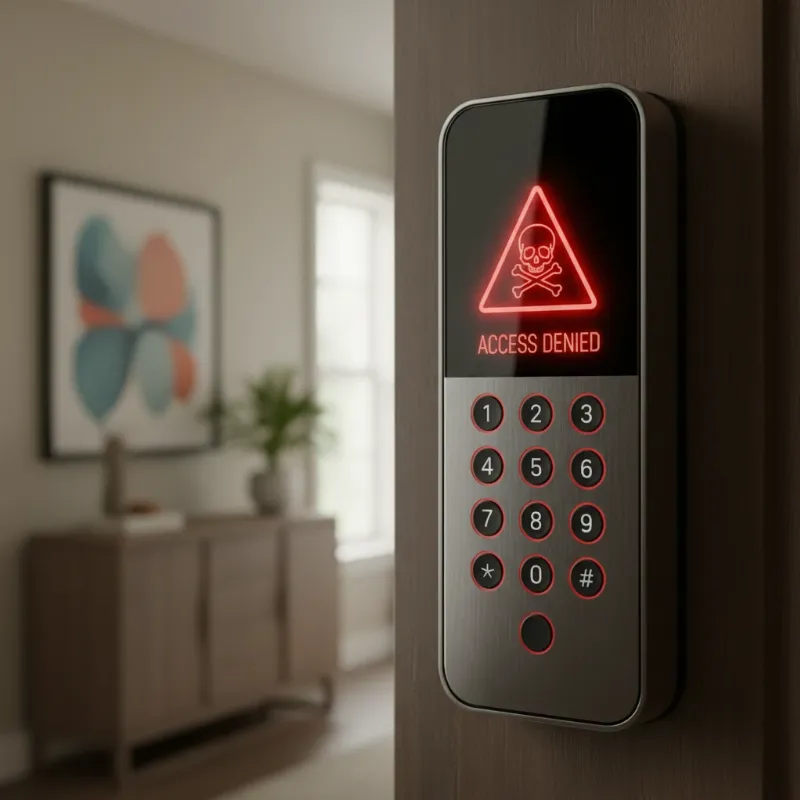 Illustrative image of a smart lock keypad with a warning symbol, representing the risks of using default codes
Step-by-Step Guide: Changing Your Smart Lock’s Default Code
Changing your smart lock’s default code is a critical security measure that should be performed immediately after installation. While specific steps can vary depending on the manufacturer and model, a general procedure applies to most devices. Always refer to your product’s user manual for precise, model-specific instructions.
Here’s a generalized guide:
- Locate the Reset/Registration Button: This button is typically found on the interior side of your smart lock, often under the battery cover or a small panel. You might need a small tool like a paperclip to press it.
- Activate Programming Mode: Press and hold the reset or registration button for a few seconds (usually 3-10 seconds) until you hear a beep or see an indicator light flash. This signals that the lock is ready for programming.
- Enter Current/Default Code: The lock will usually prompt you to enter the existing master PIN code, which is often the factory default (e.g., 1234, 0000, 123456) followed by a specific key like ‘*’ or ‘#’. Consult your manual for the exact default code and sequence.
- Enter New Master PIN Code: Once in programming mode, follow the prompts to enter your desired new master PIN code. This code should be strong, unique, and easy for you to remember but hard for others to guess. Most locks require a 4-12 digit code. Confirm the new code by entering it again if prompted, often followed by ‘*’ or ‘#’.
- Test the New Code: After successful programming, close the battery cover and test the new code several times to ensure it functions correctly. It’s also a good idea to ensure the old default code no longer works.
Remember, if you encounter any issues, your smart lock’s user manual is your best resource. If the problem persists, do not hesitate to contact the manufacturer’s customer support.
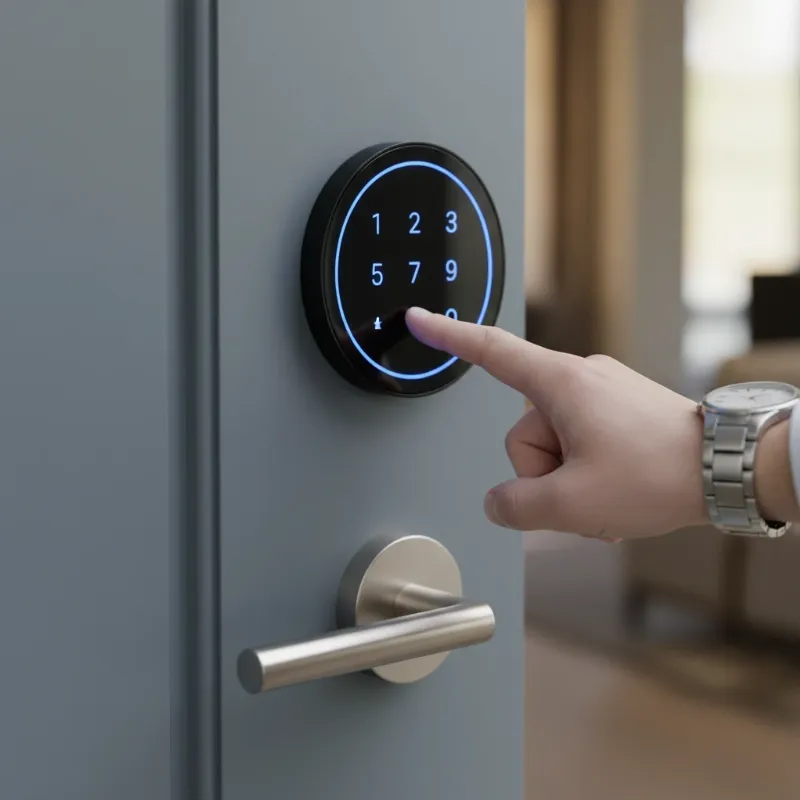 Person's hand entering a new, secure PIN code on a smart lock keypad, emphasizing security
The Future of Smart Lock Security
The evolution of smart locks is continuous, driven by advancements in technology and an increasing focus on security. Looking ahead, we can expect to see even more sophisticated features designed to combat emerging threats and enhance user convenience.
Integration with Artificial Intelligence (AI) is set to play a significant role. AI can analyze usage patterns to detect anomalies, such as unusual entry times or repeated failed attempts, and trigger alerts or temporary lockouts. This proactive threat detection will make smart locks more intelligent and responsive to potential security breaches.
The concept of blockchain technology is also being explored to enhance the security and privacy of smart lock systems. By decentralizing access logs and encryption keys, blockchain could provide an immutable and highly secure record of all lock activity, making it virtually impossible for unauthorized parties to tamper with data or compromise the system.
Further developments in biometric authentication, such as multi-modal biometrics (combining fingerprint with facial recognition or iris scans), will offer even stronger and more convenient unlocking methods. Some advanced locks already store biometric data locally on the device rather than in the cloud, significantly reducing the risk of data theft. We may also see the rise of more intuitive unlocking methods, such as voice recognition or gesture control, seamlessly integrated with robust security protocols. The goal is a future where convenience and impenetrable security coexist, making smart locks an even more integral and trustworthy part of our smart homes.
Conclusion
The convenience offered by smart locks is undeniable, but their security hinges on a fundamental responsibility: changing default codes. As a technician with over a decade of experience, I’ve seen firsthand how easily this crucial step can be overlooked, turning a sophisticated security device into a glaring vulnerability. Default codes are an open invitation to unauthorized access, potentially exposing your home and personal information to significant risks.
By taking immediate action to change these factory settings and adopting best practices like using strong, unique PINs, enabling multi-factor authentication, and keeping your device’s software updated, you can transform your smart lock from a potential weak point into a robust guardian of your home. The security of your smart home starts with you. Don’t leave your front door’s digital defense to chance; secure your smart lock today and embrace the true peace of mind that smart technology can offer.
Ready to secure your home? Explore our comprehensive guides and the latest smart lock products designed for maximum security and convenience on SmartLocksPro.com.
Frequently Asked Questions
Is my smart lock secure if it has advanced features but I use the default code?
|
Our Picks for the Best smart locks in 2026
As an Amazon Associate I earn from qualifying purchases.
|
||
| Num | Product | Action |
|---|---|---|
| 1 | Smart Door Lock with Camera Fingerprint Keyless Entry Door Lock Electronic Deadbolt with Keypad Code, App Remote Control, Auto Unlock for Front Door |

|
| 2 | ULTRALOQ U-Bolt Pro WiFi Smart Lock with Door Sensor, 8-in-1 Keyless Entry Door Lock with Fingerprint ID, App Remote Control, Built-in WiFi Keypad Deadbolt, Auto Unlock, IP65 Waterproof, Easy Install |
|
| 3 | Wyze Palm Lock, Smart Door Lock with Palm Vein Recognition, Keyless Entry Smart Locks for Front Door, Keypad, Auto Lock, Dual Battery, Wi-Fi, Works with Alexa & Google, BHMA, IP53, Mechanical Key |
|
| 4 | Smart Door Handle Lock with Keypad: Yamiry Fingerprint Smart Knob - Keyless Entry Digital Lock for Front Door - Deadbolt with APP - Generate Passcode Remotely - DIY Installation |
|
| 5 | Schlage Encode Smart WiFi Deadbolt Lock for Front Door - Keyless Entry with App or Touchscreen - Works with Alexa, Hey Google, & Airbnb - Create Codes for Guests - Matte Black |
|
| 6 | Yale Security Assure Lock 2 Deadbolt, Black Suede Keyed Smart Entry Door Lock with Wi-Fi Connected Keypad for Code Entry and Remote Access, YRD410-WF1-BSP |
|
| 7 | Wyze Auto-Lock Bolt v2, Fingerprint Keyless Entry Smart Lock, AI Learning Scanner with Wi-Fi Front Door Lock Deadbolt, Auto-Lock, 8 Months Battery, BHMA2, IP53, Anti-Peep Keypad, Backup Keys |
|
| 8 | TEEHO TE001 Keyless Entry Door Lock with Keypad - Smart Deadbolt Lock for Front Door with 2 Keys - Auto Lock - Easy Installation - Matte Black |
|
| 9 | Tapo Smart Wi-Fi Deadbolt Door Lock – Keyless Tactile Buttons, Customized Access with in-App Monitoring, Auto-Lock, IP54 Weatherproof, BHMA Grade 3, Compatible with Standard Door Sizes, Tapo DL100 |
|
| 10 | Schlage Encode Smart WiFi Deadbolt Lock for Front Door - Keyless Entry with App or Touchscreen - Works with Alexa, Hey Google, & Airbnb - Create Codes for Guests - Satin Nickel Silver |
|
No, even the most technologically advanced smart lock is fundamentally insecure if you continue to use its default factory code. Advanced features like remote access or biometric scanners add layers of convenience, but they cannot compensate for the critical vulnerability of an easily guessable or publicly known default PIN. Changing this code is the single most important step to activate your lock’s true security potential.
How often should I change my smart lock codes?
While there’s no fixed rule, it’s a best practice to change your master smart lock code periodically, perhaps every 6-12 months. More importantly, change any temporary access codes immediately after they are no longer needed (e.g., after guests leave or a contractor completes work). Regular updates keep your credentials fresh and reduce the chance of them being compromised over time.
Can hackers really find default codes easily?
Yes, unfortunately, many default smart lock codes are common knowledge among those seeking vulnerabilities, or they can be easily found online in product manuals or forums. Manufacturers often use a limited set of default codes, making them a prime target for brute-force attacks or simple guessing games. This makes changing the default code an essential, immediate security measure.
What if I forget my new smart lock code?
Most smart locks offer multiple ways to regain access if you forget your code. This often includes a physical key override, access through a connected smartphone app, or a master reset procedure (which typically requires physical access to the lock’s interior, often behind the battery cover). Always consult your specific lock’s user manual for recovery options.
Are all smart locks equally vulnerable to default code risks?
The inherent risk of default codes applies to almost all smart locks with keypad entry. However, the degree of vulnerability can vary. Locks from reputable brands often include additional security features like lockout timers after too many failed attempts or anti-peep functions to deter casual guessing. Nonetheless, changing the default code remains a universal best practice for every smart lock user.
