How to Install a Smart Lock (Step by Step)
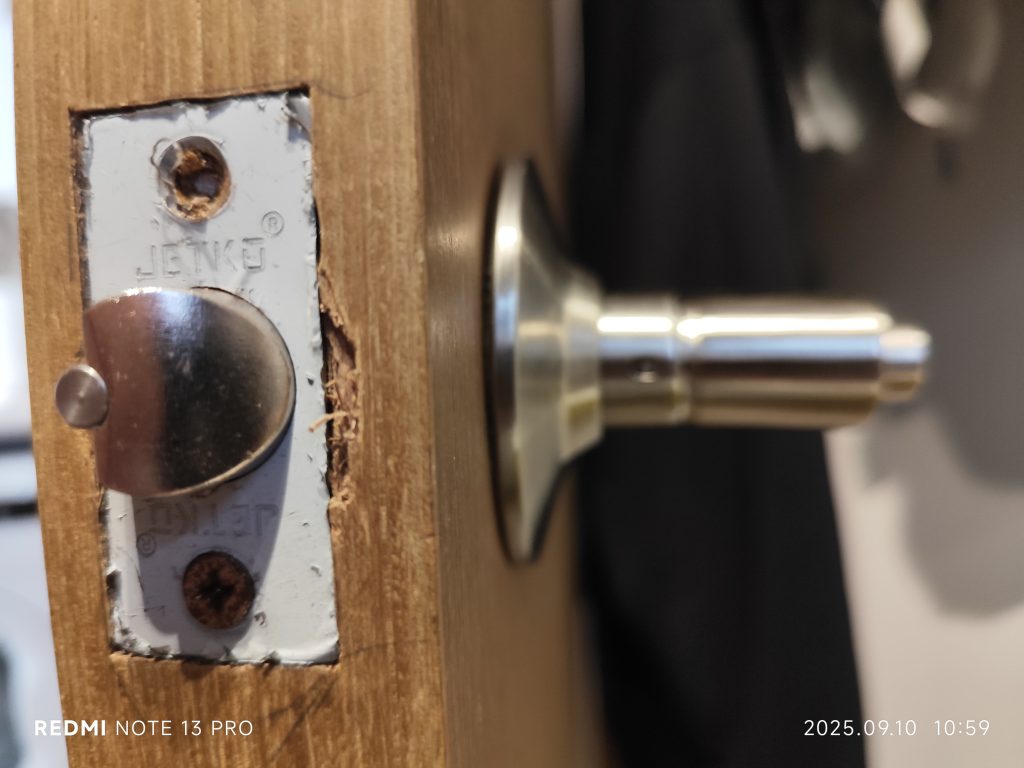
Quick overview: Installing a smart lock is one of the most satisfying DIY upgrades you can make — most homeowners finish in 15 to 30 minutes with nothing more than a Phillips screwdriver. The job breaks into clear stages: confirm your door measurements, remove the old deadbolt, set the backset, fit the new latch and exterior assembly, mount the interior unit, install batteries with the door open, then test and configure. This guide walks through every step for a standard deadbolt replacement, plus the simpler retrofit path for renters. Once it’s in, see the Best Smart Locks (2026) guide for picks that fit your door and ecosystem.
Before You Start: Tools and Compatibility Check
A two-minute check now prevents a frustrating return later. Most smart deadbolts fit a door that is 1.49 to 1.88 inches thick (the standard 1-3/8″ to 1-3/4″ range), with a main bore hole around 2-1/8 inches in diameter and a backset of either 2-3/8 inches or 2-3/4 inches. Confirm:
- Door thickness — measure the edge of the door.
- Backset — the distance from the door edge to the center of the existing bore hole; nearly every residential door is 2-3/8″ or 2-3/4″.
- Existing deadbolt prep — if you already have a deadbolt, the holes will almost certainly match. A door with no deadbolt hole needs drilling and a boring jig.
Tools you’ll need: a Phillips screwdriver (a power driver on low torque is fine but go gently), the included batteries, and your phone with the lock’s app installed. That’s usually it.
Step 1 — Remove the Old Deadbolt
Work with the door open so you can’t accidentally lock yourself out.
- Unscrew the interior thumb-turn: Find the two screws on the inside escutcheon (the plate around the thumb-turn) and remove them. The inside and outside halves of the old lock will separate.
- Pull out both halves: Remove the exterior cylinder and the interior thumb-turn from the door.
- Remove the latch/bolt: Open the door edge, unscrew the two screws holding the latch faceplate, and slide the old deadbolt latch out of the edge bore.
Step 2 — Set the Backset on the New Latch
Most smart-lock latches are adjustable so one part fits both common backsets. Set it to match your door before installing.
- Identify your backset (2-3/8″ or 2-3/4″) from your earlier measurement.
- Adjust the latch: Many designs use a toggle — push the button down and pull the latch out to the 2-3/4″ position, or leave it collapsed at 2-3/8″, then release the button to lock the setting.
- Confirm orientation: Make sure any “UP” or “TOP” marking on the latch faces upward and the bolt is in the retracted position.
Step 3 — Install the New Deadbolt Latch
- Slide the latch into the edge bore with the faceplate flush against the door edge.
- Secure it with the two provided screws. Don’t fully crank them yet — leave a little play so you can align the rest of the hardware.
- Check the bolt extends and retracts smoothly by hand before moving on.
Step 4 — Mount the Exterior Assembly
The outside half holds the keypad, touchscreen, or fingerprint reader and the cable that connects to the interior brains.
- Place the exterior assembly against the outside of the door, feeding its connecting cable through the bore hole to the inside.
- Engage the tailpiece (the flat metal bar) through the latch’s crossbore so it will drive the bolt.
- Hold it level — a crooked exterior plate is the most common cosmetic mistake.
Step 5 — Attach the Mounting Plate and Interior Unit
- Fit the interior mounting plate over the tailpiece, then tighten its two long mounting screws evenly, alternating side to side, until the lock sits flush and doesn’t wobble.
- Don’t overtighten: If the bolt becomes hard to turn after tightening, you’ve compressed the door — back the screws off a quarter turn. This is the single most common installation hiccup.
- Connect the cable from the exterior assembly to the interior unit’s port.
- Seat the interior body onto the mounting plate and secure it per the manual (usually a screw at the bottom edge).
Step 6 — Install Batteries (Door Still Open)
- Insert the batteries — typically four AA cells, sometimes more — while the lock is in the unlocked position and the door is still open. This avoids any chance of an early auto-lock trapping you outside.
- Replace the battery cover.
- Listen for the startup chime or LED that confirms the lock has power.
Step 7 — Calibrate, Test, and Connect
- Run calibration: Many locks need to learn the locked and unlocked positions and your door’s handing (left or right). The app is the easiest way to do this; some locks also offer a manual programming sequence.
- Test the bolt repeatedly: Lock and unlock several times by app, keypad, and the interior thumb-turn. The bolt should throw fully and smoothly. If it strains, loosen the mounting screws slightly and recheck strike-plate alignment.
- Pair the app and connectivity: Follow the app to add the lock, then connect Wi-Fi, a Z-Wave/Thread hub, or Bluetooth as appropriate. Not sure which you have? See Smart Lock Connectivity Explained.
- Add codes and users: Create a unique keypad code for each person, enroll fingerprints if supported, and set auto-lock if you want it.
- Only now close the door and confirm everything works from the outside.
The Easier Path: Retrofit Locks for Renters
If you can’t modify your door, a retrofit lock like the August Wi-Fi Smart Lock skips most of the steps above. It mounts on the inside of your existing deadbolt:
- Remove only the interior thumb-turn (the exterior cylinder and your key stay exactly as they are).
- Attach the supplied mounting plate and adapter that grips your existing thumb-turn spindle.
- Clip the August body on, install the batteries, and calibrate in the app.
The whole job takes under 15 minutes, leaves the outside of the door untouched, and keeps your landlord’s key working — which is why it’s the renter-friendly choice covered in How to Choose a Smart Lock.
Quick Troubleshooting
| Symptom | Likely Cause | Fix |
|---|---|---|
| Bolt hard to turn | Mounting screws overtightened | Back screws off a quarter turn |
| Bolt won’t fully throw | Strike plate misaligned | Adjust strike plate / enlarge strike hole slightly |
| Lock doesn’t power on | Batteries in wrong / low | Reseat fresh batteries, check polarity |
| Won’t pair in app | Out of range or hub not set up | Move phone closer; confirm Wi-Fi/hub is ready |
| Door auto-locked on you | Auto-lock enabled during setup | Always test with the door open first |
Frequently Asked Questions
How long does it take to install a smart lock?
Most homeowners complete a deadbolt replacement in 15 to 30 minutes using only a Phillips screwdriver, assuming the door already has a standard deadbolt bore. Retrofit locks for renters, like the August Wi-Fi Smart Lock, are even faster — often under 15 minutes — because they mount over the existing deadbolt without removing the exterior hardware.
Do I need special tools to install a smart lock?
For a standard installation, a Phillips screwdriver is all you need. A power driver on a low-torque setting works too, but tighten the final screws gently to avoid compressing the door. You’ll only need a drill and a boring jig if your door has no existing deadbolt hole and you have to bore one from scratch.
How do I find my door’s backset?
Measure from the edge of the door to the center of the existing bore hole. If it’s about 2-3/8 inches, that’s the smaller standard backset; about 2-3/4 inches is the larger one. Almost every residential door uses one of these two, and most smart-lock latches adjust to fit both, so you set it during installation.
Why is my deadbolt hard to turn after installation?
The most common cause is overtightened mounting screws compressing the door and binding the mechanism. Back the screws off about a quarter turn and test again. If the bolt still won’t throw fully, check that the strike plate in the door frame lines up with the bolt — you may need to adjust the strike plate or slightly enlarge its hole.
Can I install a smart lock myself, or do I need a locksmith?
The vast majority of smart locks are designed for DIY installation and ship with step-by-step instructions. As long as your door has standard deadbolt prep and matches the lock’s thickness and backset specs, a screwdriver and 20 minutes are enough. Consider a locksmith only if you need to bore a new hole, your door is non-standard, or you’re not comfortable with the work.
Should I install batteries before or after mounting the lock?
Install the batteries after the lock is fully mounted, and do it while the door is open and the lock is in the unlocked position. This prevents an early auto-lock from trapping you outside before you’ve finished calibrating and testing. Only close the door once you’ve confirmed the lock works from both sides.
Final Verdict
Installing a smart lock is genuinely beginner-friendly: measure your door, swap the deadbolt, mount the assemblies evenly without overtightening, install batteries with the door open, then calibrate and add your codes. Renters have it even easier with a retrofit like the August Wi-Fi Smart Lock. Take the extra minute to test everything before closing the door, and you’ll be done in well under half an hour. To pick a lock that fits your door and smart-home setup, see the Best Smart Locks (2026) guide.
Last updated: June 2026