Smart locks have transformed how we secure our homes, offering unparalleled convenience and advanced security features. Yet, the question that often lingers in the minds of homeowners is: “What happens if the battery dies?” The thought of being locked out of your own home due to a drained smart lock battery can be a significant concern. Fortunately, manufacturers have anticipated this scenario, integrating various emergency power options, with USB ports increasingly becoming a standard and reliable solution to ensure you always have access.
What Are Smart Locks?
Smart locks are innovative electronic-mechanical locking devices designed to simplify home access and enhance security. Unlike traditional locks that rely solely on physical keys, smart locks leverage technologies such as Bluetooth, Wi-Fi, NFC, and biometric recognition (fingerprint, facial recognition) to grant entry. This blend of traditional mechanics and modern electronics brings a new level of control and convenience, allowing users to unlock doors with a tap on their smartphone, a fingerprint scan, or even a voice command. Most residential smart locks operate on internal batteries, which power their electronic functions, making battery management a crucial aspect of their reliable operation.
The Unforeseen Challenge: Dead Batteries
The convenience of a smart lock largely hinges on its power source, typically a set of AA or AAA batteries. While these batteries often boast impressive lifespans, ranging from six months to a year or more depending on usage, they are not limitless. Battery depletion is an inevitable reality, and if not addressed proactively, it can lead to a lockout situation where the lock’s electronic functions cease to operate. Imagine arriving home after a long day, only to find your smart lock unresponsive. This is why understanding emergency power options is not just a luxury, but a necessity for every smart lock owner. Thankfully, most smart locks are designed with preemptive measures, such as low battery warnings, which notify users through the lock itself or an accompanying app when power levels are critical, providing ample time for battery replacement or recharging.
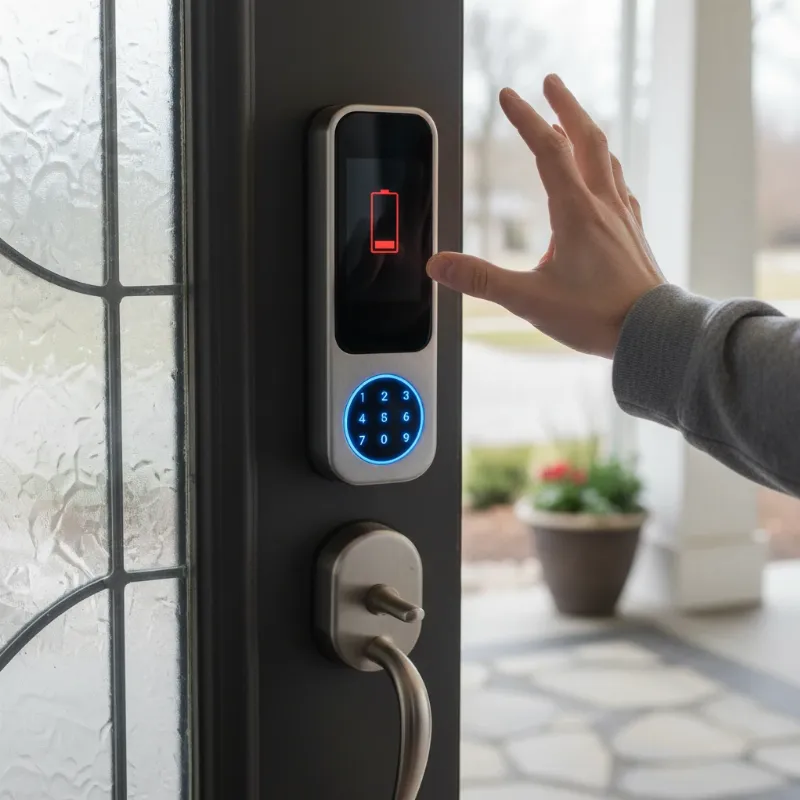 A frustrated person standing in front of a smart lock with a red low battery indicator.
USB Ports on Smart Locks: Your Emergency Lifeline
When low battery warnings are missed, or an unexpected power drain occurs, the integrated USB port on many modern smart locks emerges as a critical emergency solution. This small but powerful feature provides a temporary bridge to power, allowing you to reactivate the lock’s electronic functions and gain entry without needing to call a locksmith or resort to a mechanical key.
What is a USB Emergency Port?
|
Our Picks for the Best smart locks in 2026
As an Amazon Associate I earn from qualifying purchases.
|
||
| Num | Product | Action |
|---|---|---|
| 1 | Wyze Auto-Lock Bolt v2, Fingerprint Keyless Entry Smart Lock, AI Learning Scanner with Wi-Fi Front Door Lock Deadbolt, Auto-Lock, 8 Months Battery, BHMA2, IP53, Anti-Peep Keypad, Backup Keys |

|
| 2 | ULTRALOQ U-Bolt Pro WiFi Smart Lock with Door Sensor, 8-in-1 Keyless Entry Door Lock with Fingerprint ID, App Remote Control, Built-in WiFi Keypad Deadbolt, Auto Unlock, IP65 Waterproof, Easy Install |
|
| 3 | Schlage Encode Smart WiFi Deadbolt Lock for Front Door - Keyless Entry with App or Touchscreen - Works with Alexa, Hey Google, & Airbnb - Create Codes for Guests - Satin Nickel Silver |
|
| 4 | Yale Security Assure Lock 2 Deadbolt, Black Suede Keyed Smart Entry Door Lock with Wi-Fi Connected Keypad for Code Entry and Remote Access, YRD410-WF1-BSP |
|
| 5 | TEEHO TE001 Keyless Entry Door Lock with Keypad - Smart Deadbolt Lock for Front Door with 2 Keys - Auto Lock - Easy Installation - Matte Black |
|
| 6 | Wyze Palm Lock, Smart Door Lock with Palm Vein Recognition, Keyless Entry Smart Locks for Front Door, Keypad, Auto Lock, Dual Battery, Wi-Fi, Works with Alexa & Google, BHMA, IP53, Mechanical Key |
|
| 7 | Smart Door Handle Lock with Keypad: Yamiry Fingerprint Smart Knob - Keyless Entry Digital Lock for Front Door - Deadbolt with APP - Generate Passcode Remotely - DIY Installation |
|
| 8 | Smart Door Lock with Camera Fingerprint Keyless Entry Door Lock Electronic Deadbolt with Keypad Code, App Remote Control, Auto Unlock for Front Door |
|
| 9 | Tapo Smart Wi-Fi Deadbolt Door Lock – Keyless Tactile Buttons, Customized Access with in-App Monitoring, Auto-Lock, IP54 Weatherproof, BHMA Grade 3, Compatible with Standard Door Sizes, Tapo DL100 |
|
| 10 | Schlage Encode Smart WiFi Deadbolt Lock for Front Door - Keyless Entry with App or Touchscreen - Works with Alexa, Hey Google, & Airbnb - Create Codes for Guests - Matte Black |
|
A USB emergency port on a smart lock is specifically designed to supply immediate, temporary power when the primary batteries are completely drained. It’s crucial to understand that this port is typically not intended for routine charging of the lock’s internal battery, but rather for a quick power boost to operate the lock mechanism. Most commonly, you’ll find a USB-C port on newer models, reflecting the industry’s move towards universal charging standards. To use it, simply connect a standard power bank (the kind you use for your smartphone) or even a compatible smartphone with a USB cable to the port. Within a few minutes, the lock should receive enough power to allow you to unlock the door using your usual method, whether it’s a fingerprint, passcode, or app.
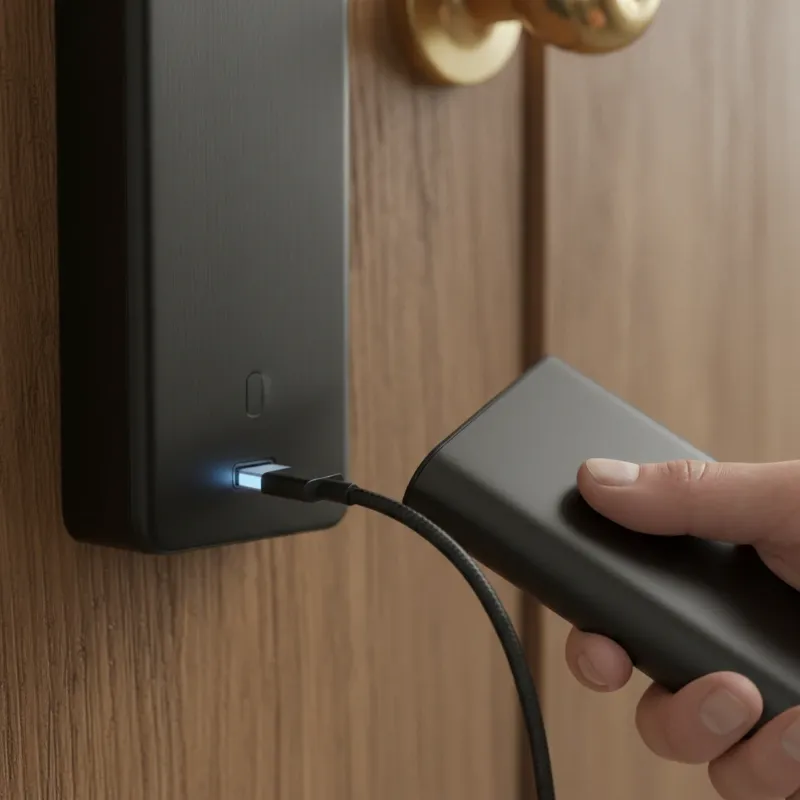 A hand connecting a USB-C power bank to a smart lock's external emergency port.
Where to Find It and Why External?
The emergency USB port is almost always located on the exterior panel of the smart lock, often subtly integrated into the bottom edge or under a small cover. The placement on the outside is a deliberate design choice, allowing you to access it even when you are locked out of your home. This prevents the need for destructive entry or having to find an alternative way to get inside just to power your lock. While some users might initially question its external placement, it serves its primary purpose effectively: providing an accessible power injection point during a lockout emergency.
Beyond USB: Other Emergency Power Solutions
While USB ports are becoming increasingly common, smart lock manufacturers offer a variety of other emergency power and access methods to ensure homeowners are never truly stranded. These backup systems highlight the commitment to both convenience and robust security.
9V Battery Terminals
Before the widespread adoption of USB-C, many smart locks featured a pair of external terminals for a 9V battery. In an emergency, users could simply hold a standard 9V battery against these terminals to provide enough temporary power to operate the lock. This remains a common emergency option for some older or specific smart lock models.
Mechanical Key Override
The most fundamental and universal emergency access method is the good old mechanical key. Virtually all smart locks, regardless of their advanced features, come equipped with a traditional keyhole. This ensures that even if all electronic systems fail, or batteries are completely depleted and no power bank is available, you can still unlock your door the old-fashioned way. It’s highly recommended to keep a spare mechanical key in a secure, accessible location outside your home (not under the doormat!) or with a trusted neighbor.
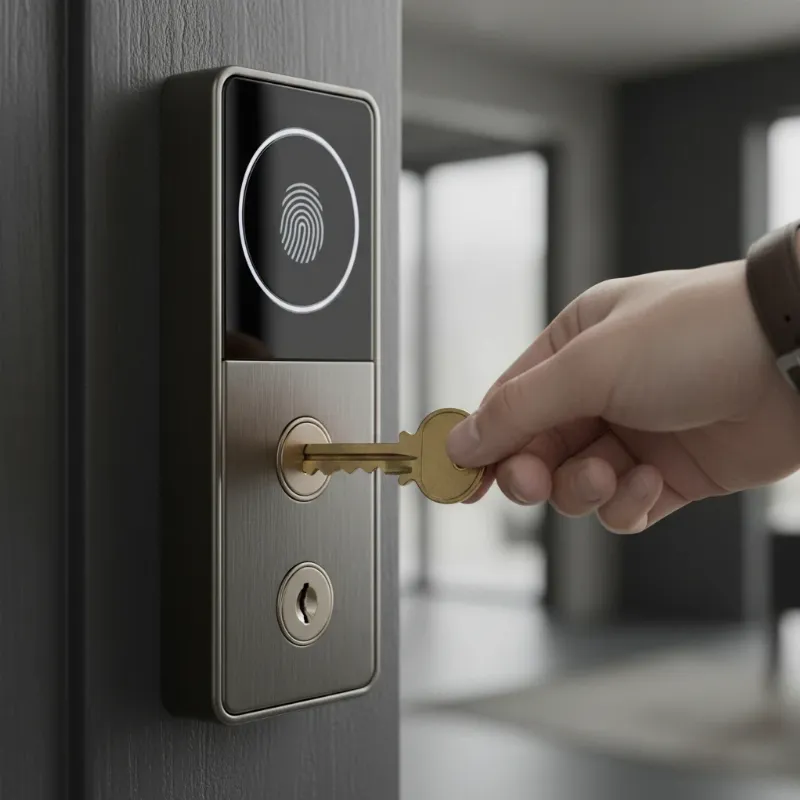 A hand inserting a traditional mechanical key into a smart lock's visible keyhole.
Table: Comparing Emergency Access Methods for Smart Locks
| Feature | USB Port Power Boost | 9V Battery Terminal | Mechanical Key Override |
|---|---|---|---|
| Ease of Use | High (with power bank) | Medium | High |
| Availability | High (many carry power banks) | Medium (need 9V battery) | High (physical key) |
| Cost | Low (if power bank owned) | Low (cost of battery) | None (if key is handy) |
| Reliance on Electronics | Yes (temporary power) | Yes (temporary power) | No (purely mechanical) |
| Ideal Scenario | Missed low battery warning, have power bank | Older locks, no power bank | Complete power failure, no external power source |
Choosing a Smart Lock with Robust Emergency Options
When investing in a smart lock, prioritizing models with well-thought-out emergency power options is key to long-term peace of mind. Look for features such as:
- Integrated USB Port: USB-C is preferable for its universality and ease of connection with modern power banks and phones.
- Mechanical Key Override: This is non-negotiable for ultimate reliability. Ensure the keyway is sturdy and accessible.
- Clear Low Battery Warnings: The lock should provide timely and noticeable alerts when battery levels are getting low, both on the device itself and through its companion app.
- Battery Life: Research the typical battery life of the models you’re considering and compare it with your usage patterns.
- Brand Reputation: Choose locks from reputable manufacturers known for their reliability and customer support.
Best Practices for Smart Lock Power Management
Even with excellent emergency options, proactive battery management is crucial for uninterrupted smart lock performance.
- Regular Battery Checks: Make it a habit to check your smart lock’s battery status, especially if it doesn’t offer robust app notifications.
- Seasonal Battery Replacement: Consider replacing batteries annually or bi-annually, perhaps coinciding with daylight saving changes, to prevent unexpected depletion.
- Keep a Power Bank Handy: Store a charged power bank and a compatible USB cable in your car, garage, or a secure outdoor location (like a hidden lockbox) for immediate access in an emergency.
- Understand Your Lock’s Manual: Familiarize yourself with the specific emergency procedures for your smart lock model.
- Firmware Updates: Regularly update your lock’s firmware, as these updates often include battery efficiency improvements and security enhancements.
- Don’t Ignore Warnings: Always act promptly on low battery warnings to avoid needing emergency power.
Troubleshooting Common Power Issues
Even with the best preparation, you might encounter issues. Here are some common problems and their solutions:
- Lock Not Responding to USB Power:
- Check the cable: Ensure the USB cable is functional and securely connected to both the power bank and the lock.
- Check the power bank: Make sure your power bank is charged and working correctly. Try it with another device.
- Clean the port: Dust or debris in the USB port can prevent a proper connection.
- Mechanical Key Not Working:
- Ensure the key is correct: Double-check you are using the correct mechanical key for your specific lock.
- Check for obstructions: Inspect the keyhole for any foreign objects.
- Ignored Low Battery Warnings Lead to Lockout: This highlights the importance of proactive maintenance. Once temporarily powered, replace the batteries immediately.
The Future of Smart Lock Power
The evolution of smart lock power solutions continues to progress, promising even greater convenience and reliability. We can anticipate:
- Enhanced Battery Efficiency: Future smart locks will likely feature even longer-lasting batteries and more sophisticated power management systems, potentially extending battery life significantly.
- Advanced Smart Home Integration: Deeper integration with home energy management systems could allow smart locks to communicate battery status more effectively within a broader smart home ecosystem.
- Alternative Power Sources: While still nascent for mainstream locks, research into kinetic energy harvesting, solar charging, or even advanced wireless power transfer could eventually offer truly self-sustaining options for some models.
- AI-Powered Predictive Maintenance: Artificial intelligence could analyze usage patterns to predict battery depletion more accurately, providing highly personalized alerts.
Conclusion
Smart locks offer an undeniable upgrade to home security and convenience, but their reliance on power necessitates a clear understanding of emergency access. USB ports on smart locks provide a modern and increasingly common solution for regaining entry when batteries unexpectedly die, serving as a vital lifeline. Coupled with traditional mechanical key overrides and smart low-battery warnings, these features ensure that homeowners can enjoy the benefits of advanced security without the worry of being locked out. “Smart locks are not just about convenience; they’re about providing comprehensive security with thoughtful backup solutions for every eventuality.” – [Source: SmartLocksPro.com security expert] By being prepared and understanding your lock’s emergency power options, you can truly embrace the seamless and secure experience that smart locks offer. What steps will you take today to ensure your smart lock is always ready, even when its power is low?
Frequently Asked Questions
Are smart locks safe if the battery dies?
Yes, smart locks are designed with multiple layers of backup to ensure safety even if the battery dies. Most models include emergency power options like external USB ports or 9V battery terminals, allowing temporary power to unlock the door. Additionally, almost all smart locks feature a traditional mechanical key override, providing a failsafe method of entry regardless of electronic function.
How often should I change smart lock batteries?
The frequency for changing smart lock batteries varies, typically ranging from six months to over a year, depending on the lock model, battery type, and frequency of use. Most smart locks will provide clear low battery warnings via the lock itself or its companion app, giving you ample time to replace them. It’s a good practice to check battery levels regularly and consider an annual replacement schedule.
Can I use any USB power bank for emergency power?
Generally, yes, you can use most standard USB power banks for emergency power with smart locks that feature a USB port. The smart lock only requires a small amount of power to momentarily activate its electronic components for unlocking. Ensure your power bank is charged and your USB cable is compatible with the lock’s port (e.g., USB-C).